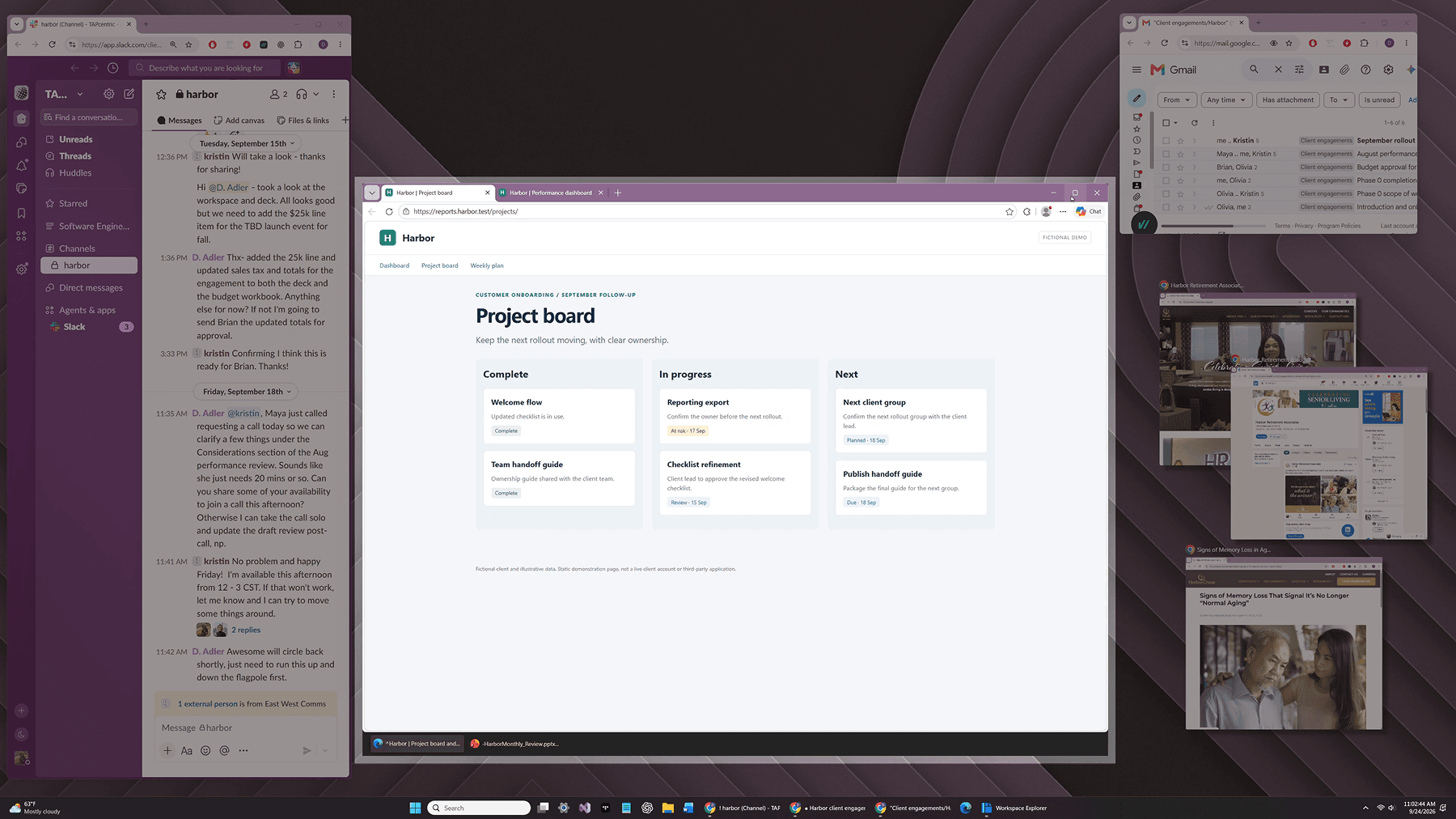
Save your desktop as a Workspace
A workspace brings the application windows, browser tabs, and files for a task together across your desktop. Give it a name, then save, reopen, and update the whole arrangement.A workspace brings the application windows, browser tabs, and files for a task together across your desktop. Give it a name, then save, reopen, and update the whole arrangement.
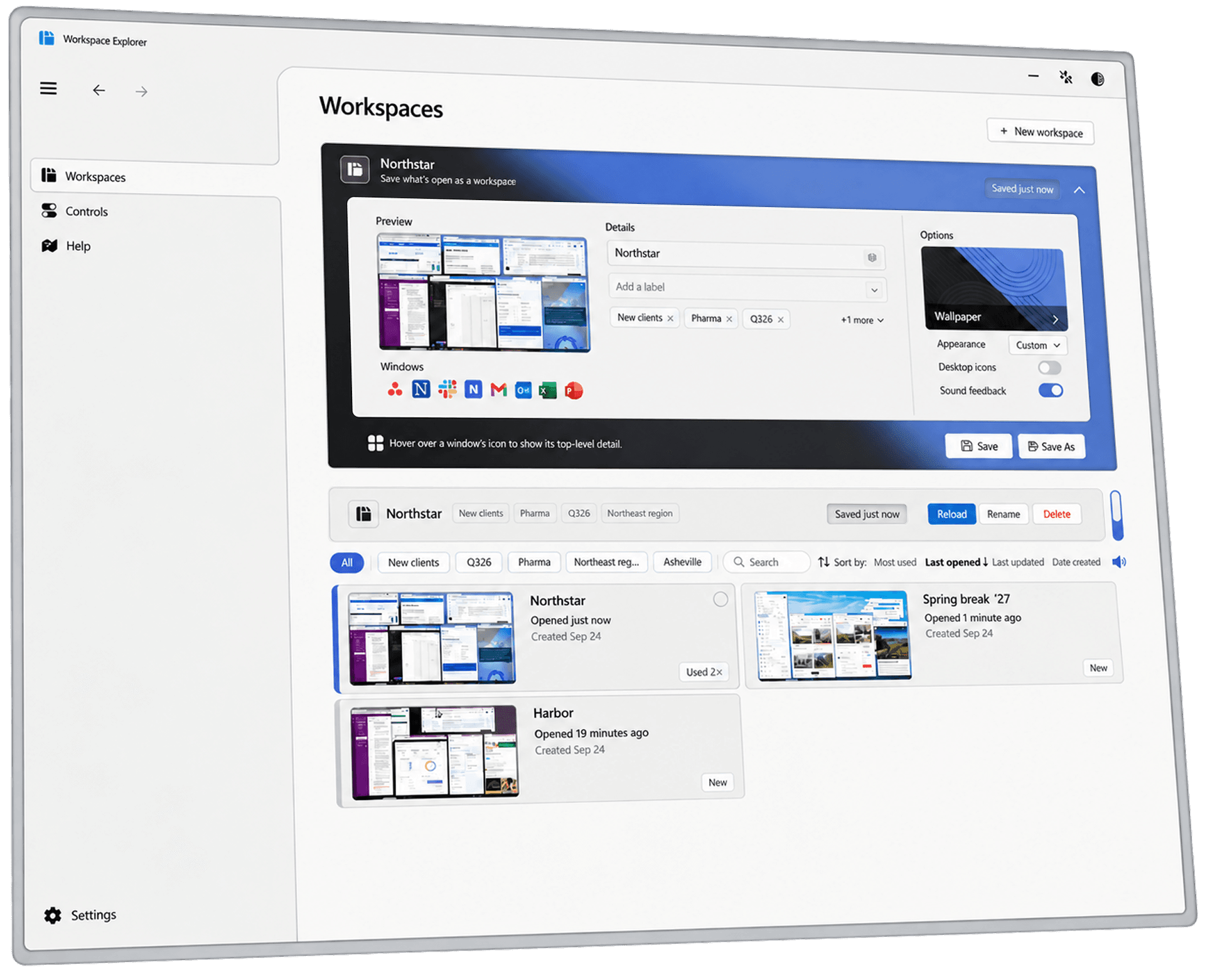
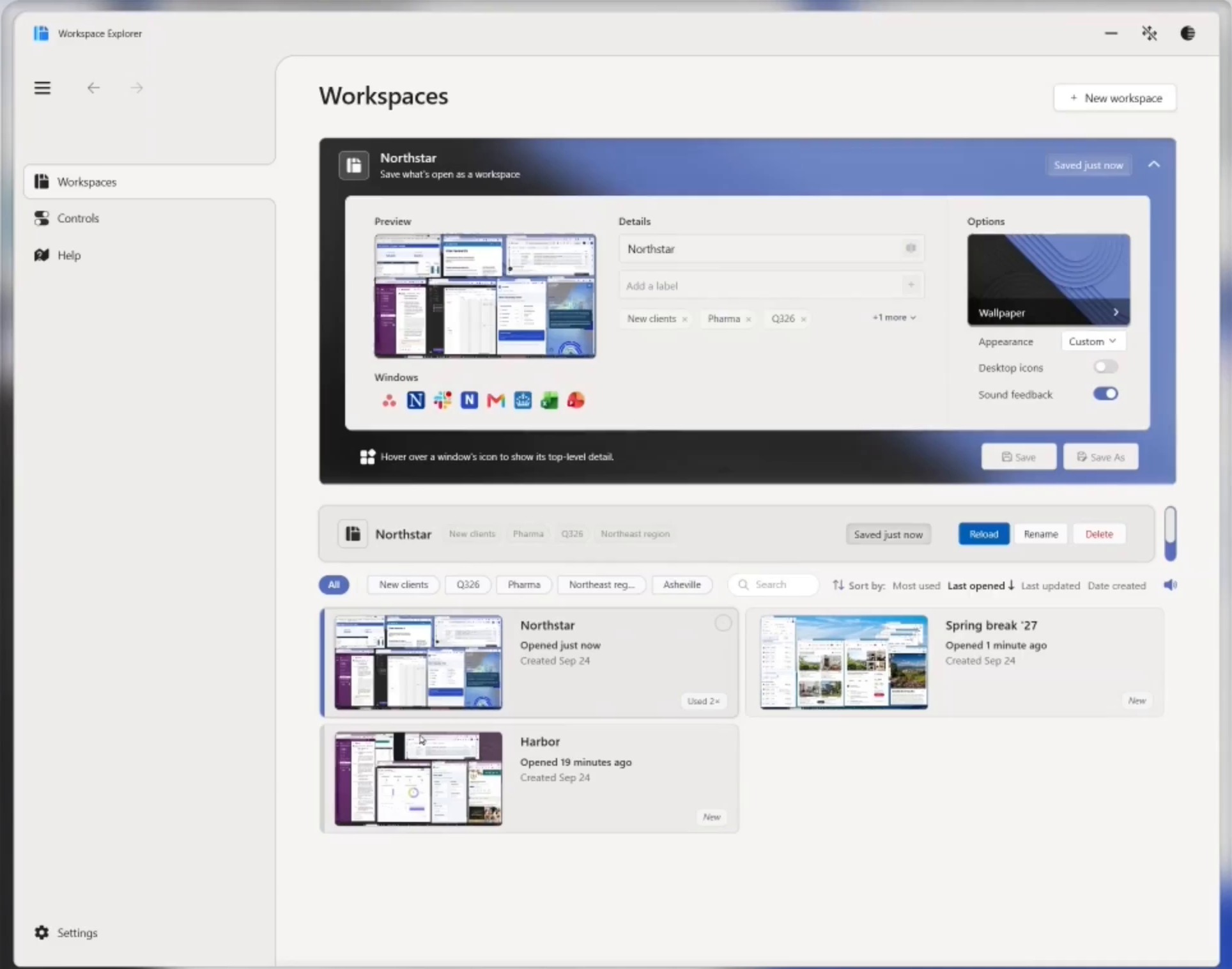
Build a collection of workspaces for the projects, plans, and routines you return to.

“Using OpenWorkspace feels infinitely better and faster.”
Start with one unfinished task
Save its setup.
Clear your desktop.
Bring it back.
14 days · No credit card required
Keep restoring saved workspaces after your trial.
Pro is required to save new workspaces, update saved ones, and use voice commands.
ADVANCED WINDOW MANAGEMENT
Keep your main work in focus.
A Workspace determines what belongs together for an activity. FocalContextual™ gives that content structure while you work.
Focal Panels provide a stable region for primary work, with supporting content visible around it. Move windows into and out of panels as your attention shifts.
See how FocalContextual works